Up to 30% more profit, starting with your menu.

Start with a free QR menu. Grow with Kalanteer Cloud.

Built and proven in our own restaurant, Obsidian 17

Free · Sous-Chef · Chef · Executive Chef

Start free. Add the rest when you're ready.

Step 1 · Your menu

QR Menu

Free forever

€0/mo

No credit card. No time limit.

  • Built from a dish library in minutes

  • Guests scan no app to download

  • Price changes live within a minute

  • Allergen icons per dish the EU's 14, on every dish

  • Your QR code PNG, ready to print

  • A photo per dish guests see what they order

Your menu is the starting point. Every dish on it is ready to take a recipe, a cost and a margin.

Explore QR Menu

Step 2 · Everything else

Kalanteer Cloud

First 3 months free

€9.99/mo

  • Recipe costing the real cost of every dish

  • Invoice scanning add it, prices update

  • Stock counts the shelf gap gets a number

  • Suggested orders rounded to whole packs

  • Waste log every loss gets a reason

  • Prep levels enough prep, not too much

Day 90, no surprises. Add a card to keep going, or your account drops back to the free QR menu. Your data stays.

How it fits together

From menu to margin. Each module picks up where the last one leaves off.

01 · QR Menu Free

Your menu is the starting point. Build it from a dish library, run it in e-Menu.

Result: you have a live menu, and every dish on it is ready to take a recipe, a cost and a margin.

Cost and margin columns come with Sous-Chef.

QR Menu

Swipe the screen to see every column

02 · Recipe Costing Sous-Chef

Know the plate cost of every dish. Every ingredient line, priced at what you paid.

Result: you spot the dishes with thin margins before the next menu change - costs update after every purchase.

Ingredient cost only - no labour or overheads.

Recipe Costing

Swipe the screen to see every column

03 · Invoice Scanning Sous-Chef

Add the invoice, prices update. Photo or PDF in, lines checked against the total.

Result: you check the lines and save - stock, prices and every recipe using them update, and the same invoice can't go in twice.

AI photo reading is switched on per venue - you can always type the lines in.

Invoice Scanning

Swipe the screen to see every column

04 · Stock Levels Sous-Chef

What you have, and what it cost. Stock moves with every delivery, prep batch and write-off.

Result: you see on-hand stock and price per unit for every ingredient, with a history of who changed what and when.

Sales come off stock automatically only with Chef. On Sous-Chef, your stock counts catch them up.

Inventory

Swipe the screen to see every column

05 · Stock Counts Sous-Chef

Count the shelf, set stock right. Type what's there. Kalanteer shows the gap.

Result: you set stock to what's really on the shelf, so your next order starts from the truth.

With Chef, the gap is real loss. On Sous-Chef it also includes what you sold.

Inventory

Swipe the screen to see every column

06 · Prep Sous-Chef

Log the prep, stock follows. Preview checks stock before you start.

Result: you log a batch once - its ingredients come off stock, the prep goes into stock, and Prep Levels show what's left.

Inventory

Swipe the screen to see every column

07 · Supplier Ordering Sous-Chef

From low stock to a purchase order. Grouped by supplier, rounded to whole packs.

Result: you get order quantities from what you expect to sell, create the PO in one click, and send it yourself.

On Sous-Chef you enter expected sales per dish. On Chef they come from your POS every night.

Supplier Ordering

Swipe the screen to see every column

08 · Waste Log Sous-Chef

Put a price on every write-off. Item, quantity, reason. Done.

Result: you see the cost and reason of every loss you log - a whole dish comes off stock by its recipe.

Only waste your team logs gets a cost.

Waste Tracking

Swipe the screen to see every column

09 · Sales Sync Chef

Sales come in on their own. Pulled every 5 minutes, taken off stock by recipe.

Result: you see today's sales live, and stock drops by each dish's recipe as it sells - no typing.

Match your POS products to dishes once.

Chef plan

Swipe the screen to see every column

10 · Till Checks Chef

Know which drawer came up short. Every drawer, every day, against the count.

Result: you see expected and actual close per drawer, and a short drawer is in your alerts by morning.

The counted close comes from your POS.

Chef plan

Swipe the screen to see every column

11 · Card Checks Chef

Catch card payments that don't match. Terminal payments matched to till receipts, every day.

Result: you see matched payments and the gap for each day, with double charges and card payments without a receipt flagged.

Works with Revolut card terminals.

Chef plan

Swipe the screen to see every column

12 · Daily P&L Chef

Your margin, day by day. From sales down to what the day really kept.

Result: you see each day's operational margin, from sales and discounts down to waste, shrinkage and cash shortages.

Operational margin - rent and wages not included. Sales come from your POS.

Chef plan

Swipe the screen to see every column

13 · Smart Alerts Chef

Wake up to what needs fixing. Your numbers, checked every night.

Result: you open your alerts to what needs you: a margin drop, a stockout coming, a count that came up short.

Till and card alerts need your POS connected.

Chef plan

Swipe the screen to see every column

14 · Karl, AI Chef Chef

Ask your numbers. Karl answers from your venue's own data.

Result: you ask in plain words - why a margin dropped, how to set up a supplier - and get a straight answer.

On Chef, Karl needs your own Anthropic API key. On Executive Chef, Karl runs on ours. Karl sees only what the person asking is allowed to see.

AI Assistant

Swipe the screen to see every column

15 · Daily Reports Executive Chef

Yesterday, explained in one click. In plain words, with what to do next.

Result: you get net revenue, orders, average ticket and discount drag against the same day last week, plus ideas to grow and watch-outs.

Needs a closed day from your POS.

Executive Chef plan

Swipe the screen to see every column

16 · Menu Engineering Executive Chef

What to push, what to drop. Every dish sorted by sales and margin.

Result: you see your Stars, Plowhorses, Puzzles and Dogs for any period, each with a plain next step.

Needs POS sales and a recipe for each dish.

Executive Chef plan

Swipe the screen to see every column

17 · Forecast Executive Chef

Know how busy next week will be. Revenue and orders ahead, with the weather factored in.

Result: you plan shifts and prep against expected revenue and orders per day - and the forecast is checked against what really happened.

Weather needs your venue's location. Built from your POS sales history.

Executive Chef plan

Swipe the screen to see every column

18 · Reviews Executive Chef

A slipping rating, caught early. Google and TripAdvisor in one place, synced daily.

Result: you see the complaints that keep coming back, and what to fix first.

Add your Google and TripAdvisor pages once.

Executive Chef plan

Swipe the screen to see every column

Free
Sous-Chef
Chef
Executive Chef

Why we built it

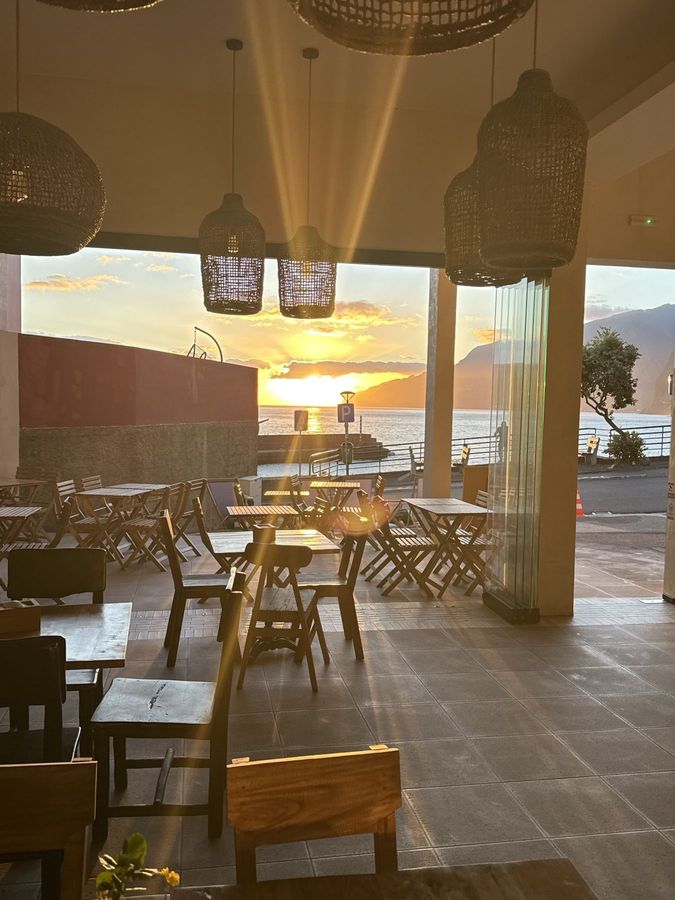
See it for yourself. Obsidian 17 in Madeira runs on Kalanteer every day.

It's our venue, and where Kalanteer started. We didn't want to do the numbers by hand, so we built the system ourselves.

  • Built itOur own team, for our own venue
  • Run itThe same Kalanteer Cloud you sign up for
  • See itGoogle Maps · Instagram
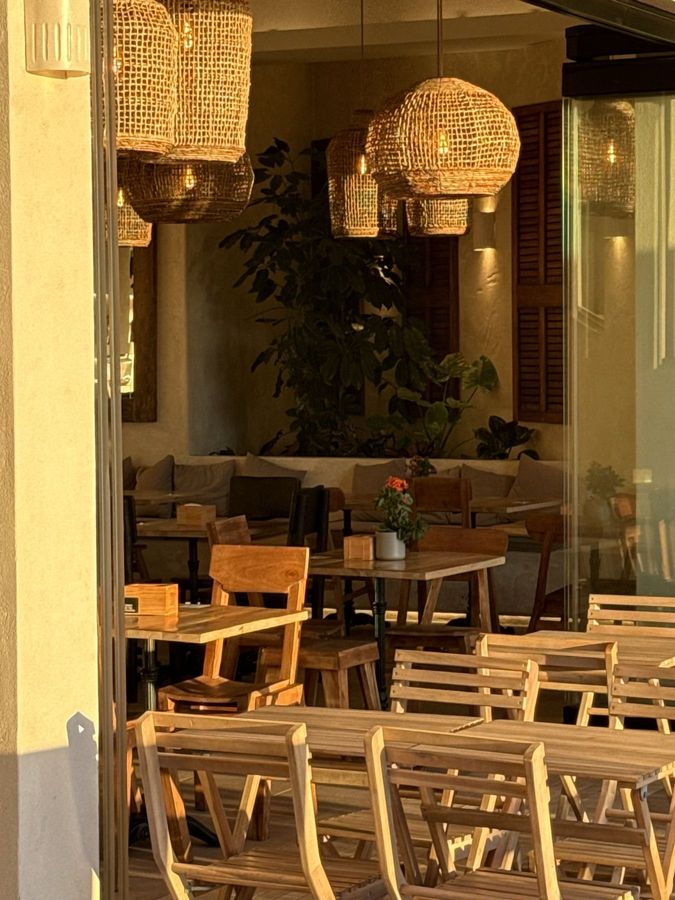
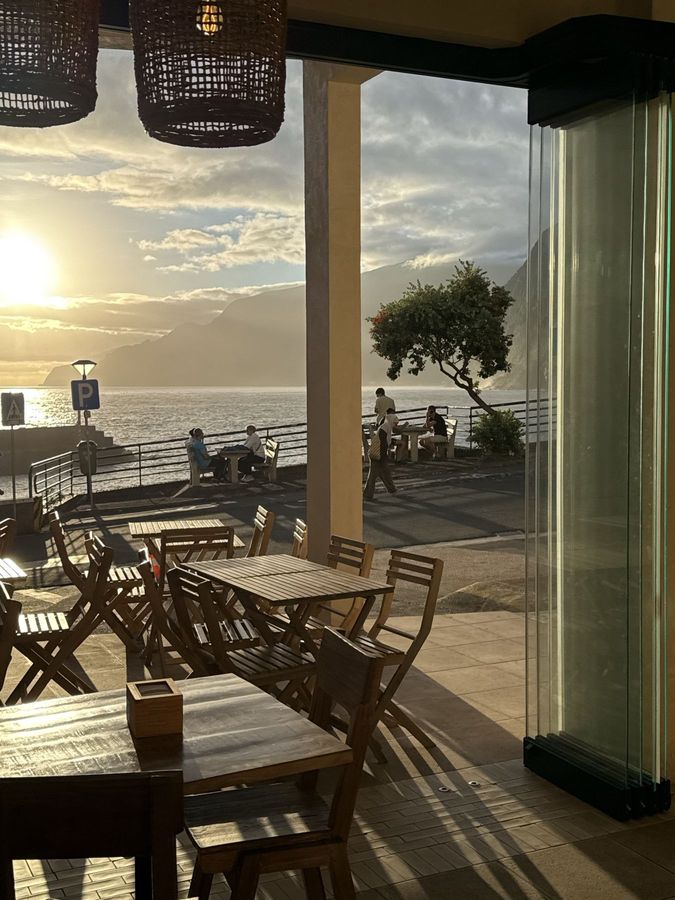
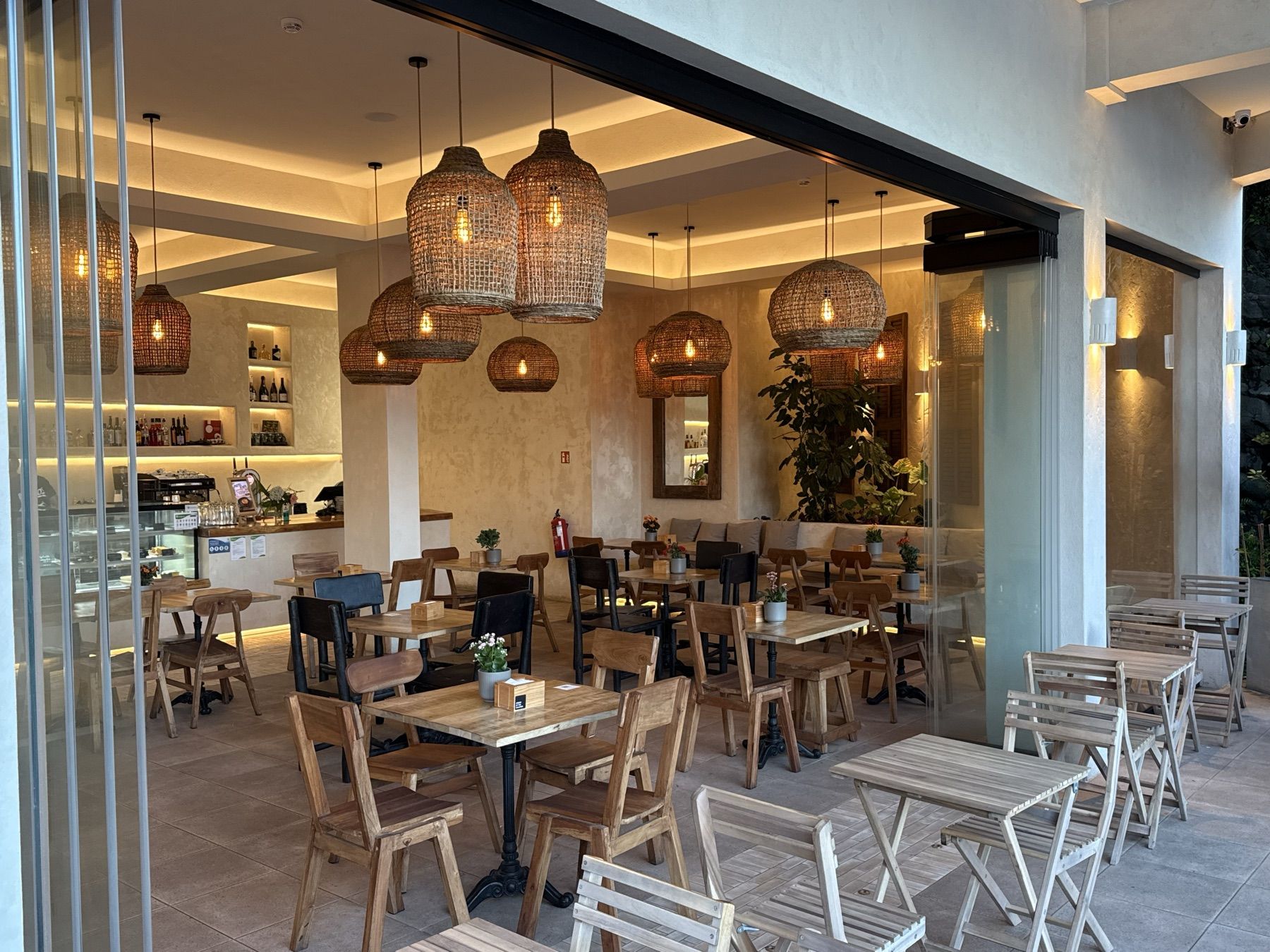
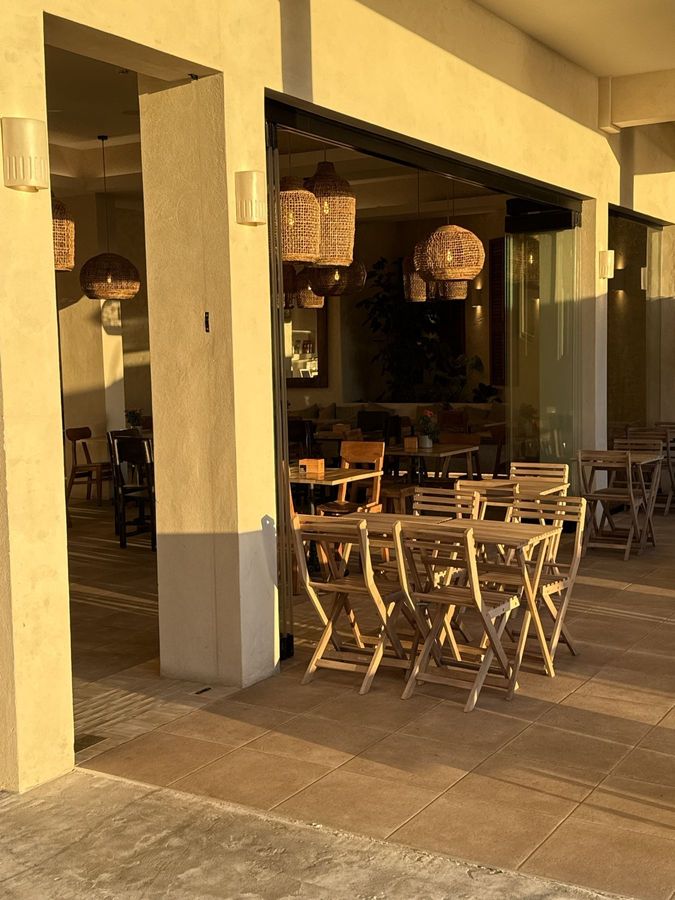
Sunset over the ocean, seen from inside Obsidian 17 through the open glass frontFolding wooden chairs and tables against a sunlit wall at Obsidian 17Evening light on the tables, wicker lamps and plants inside Obsidian 17Obsidian 17's terrace at sunset, with the ocean and the mountains behind
The counter at Obsidian 17, with the coffee machine and the cake display
The front of Obsidian 17 in golden light, with folding terrace chairs

Obsidian 17 · Madeira, Portugal

Compare

More in the box. All of it in one plan.

What Kalanteer covers next to WinRest, XD Rest, Restro, Menu Digital
KalanteerWin­RestXD RestRestroMenu Digital
Free
Guest QR menu
Sous-Chef
Recipe costingRecipe sheets
Stock counts
Invoice scanning
Suggested orders
Chefeverything in Sous-Chef, plus
Daily P&L
Till checks
Card payout checks
All in one plan
What Kalanteer covers next to ready2order, FoodNotify, gastronovi, GastroScan
Kalanteerready2­orderFood­Notifygastro­noviGastro­Scan
Free
Guest QR menuOwn till only
Sous-Chef
Recipe costing
Stock countsPer productOwn till only
Invoice scanning
Suggested orders
Chefeverything in Sous-Chef, plus
Daily P&L
Till checks
Card payout checks
All in one plan
What Kalanteer covers next to meez, MarketMan, WISK, MarginEdge
KalanteermeezMarket­ManWISKMargin­Edge
Free
Guest QR menuHotels only
Sous-Chef
Recipe costing
Stock counts
Invoice scanning
Suggested ordersLists onlyMulti-outlet
Chefeverything in Sous-Chef, plus
Daily P&L
Till checks
Card payout checks
All in one plan
What Kalanteer covers next to Lightspeed Restaurant, Apicbase, tspoonlab, Menutech
KalanteerLight­speed RestaurantApic­basetspoon­labMenu­tech
Free
Guest QR menu
Sous-Chef
Recipe costing
Stock counts
Invoice scanningDelivery notes
Suggested orders
Chefeverything in Sous-Chef, plus
Daily P&L
Till checks
Card payout checks
All in one plan

Checked against each company's own website, 13 Oct 202613 Oct 202612 Oct 202613 Oct 2026. Each tool does more than we list. A grey line means it's not in their published plans. Till and card checks need a connected POS; card checks work with Revolut card terminals.

Who it's for

Built for the venue you run. Whatever you serve.

What does a cappuccino actually cost you?

€0.53 to make, €4.00 on the menu - about an 87% margin.

How it helps your cafe

  • Know what every drink costs you
  • Costs follow what you pay suppliers
A barista pouring milk into a cappuccino at a cafe counter

Catch over-pouring before it drains your margin.

0.30 L of vodka gone - no sale behind it.

How it helps your bar

  • See the gap on every bottle
  • Tell a lost pour from a sale
A bartender measuring a spirit with a jigger at a bar

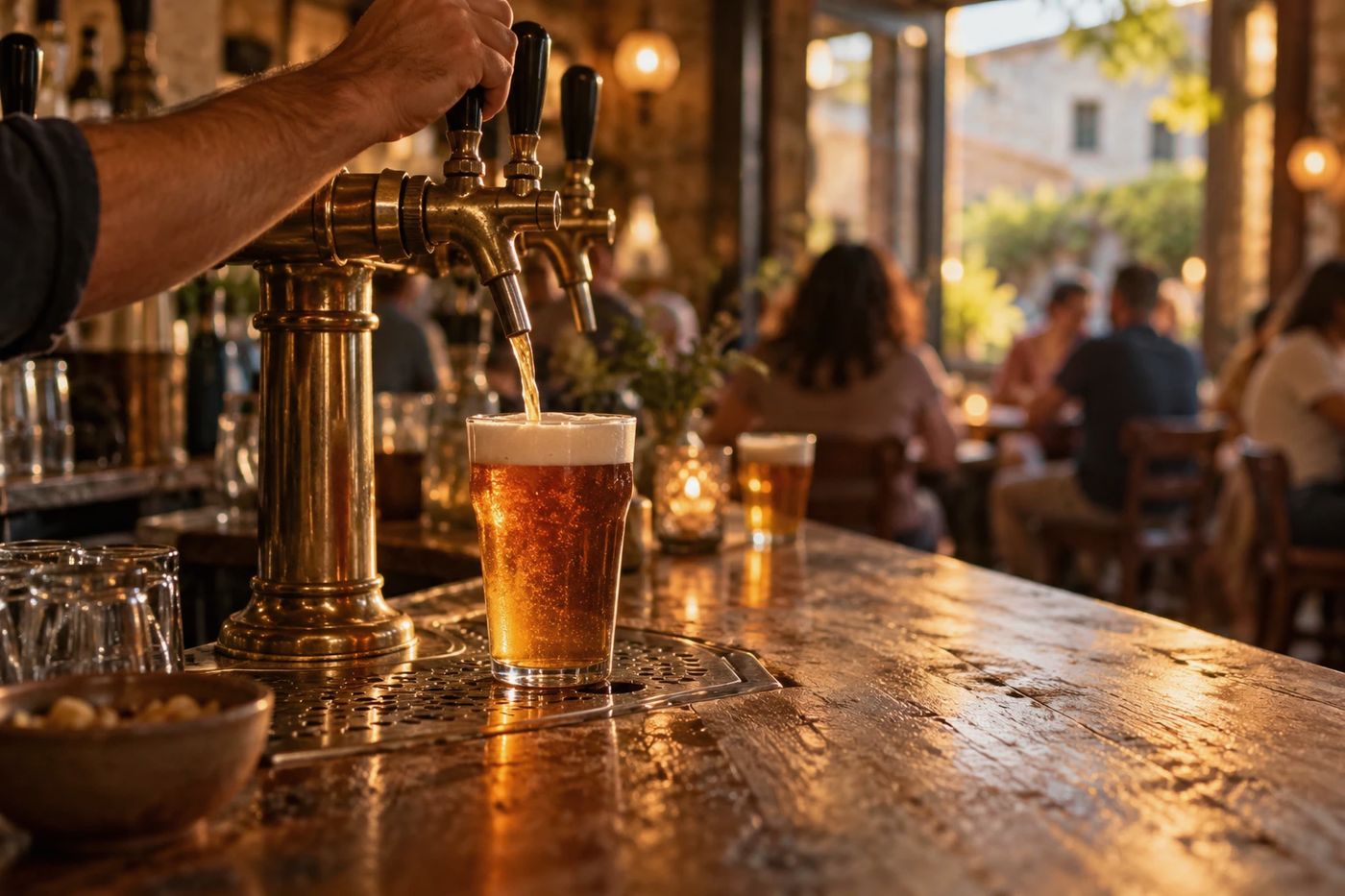
Is every pint on the till?

POS1 came up €20.00 short last night - you see it before the next shift.

How it helps your pub

  • Know what every drawer should hold
  • See the margin on every pint
A pint being poured from a brass draught tap in a pub

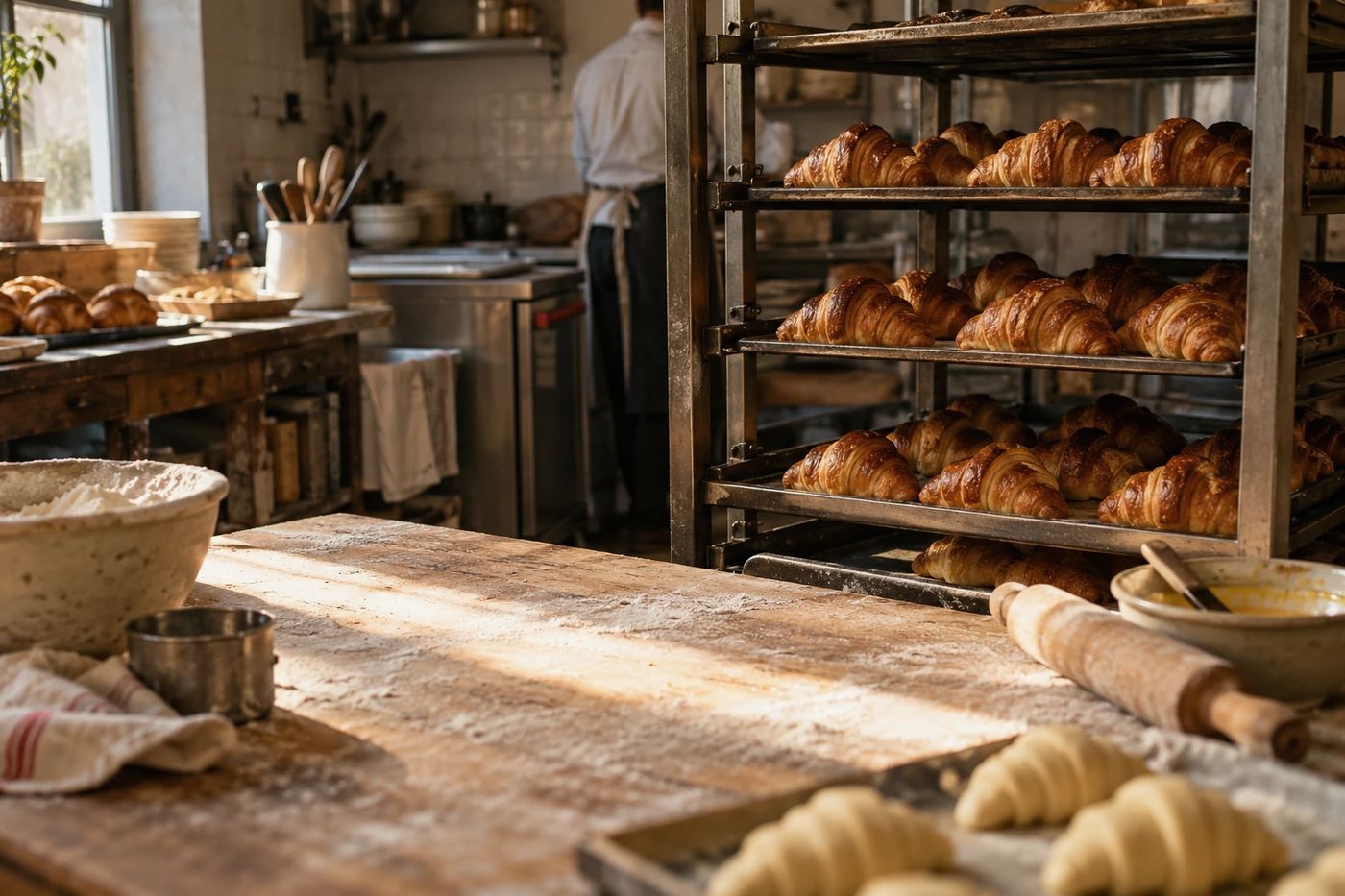
How many croissants should you bake tomorrow?

Sales say 17 a day, not the 23 you plan for.

How it helps your bakery

  • Bake to what really sells
  • See what ends up in the bin
Racks of fresh croissants in a small bakery

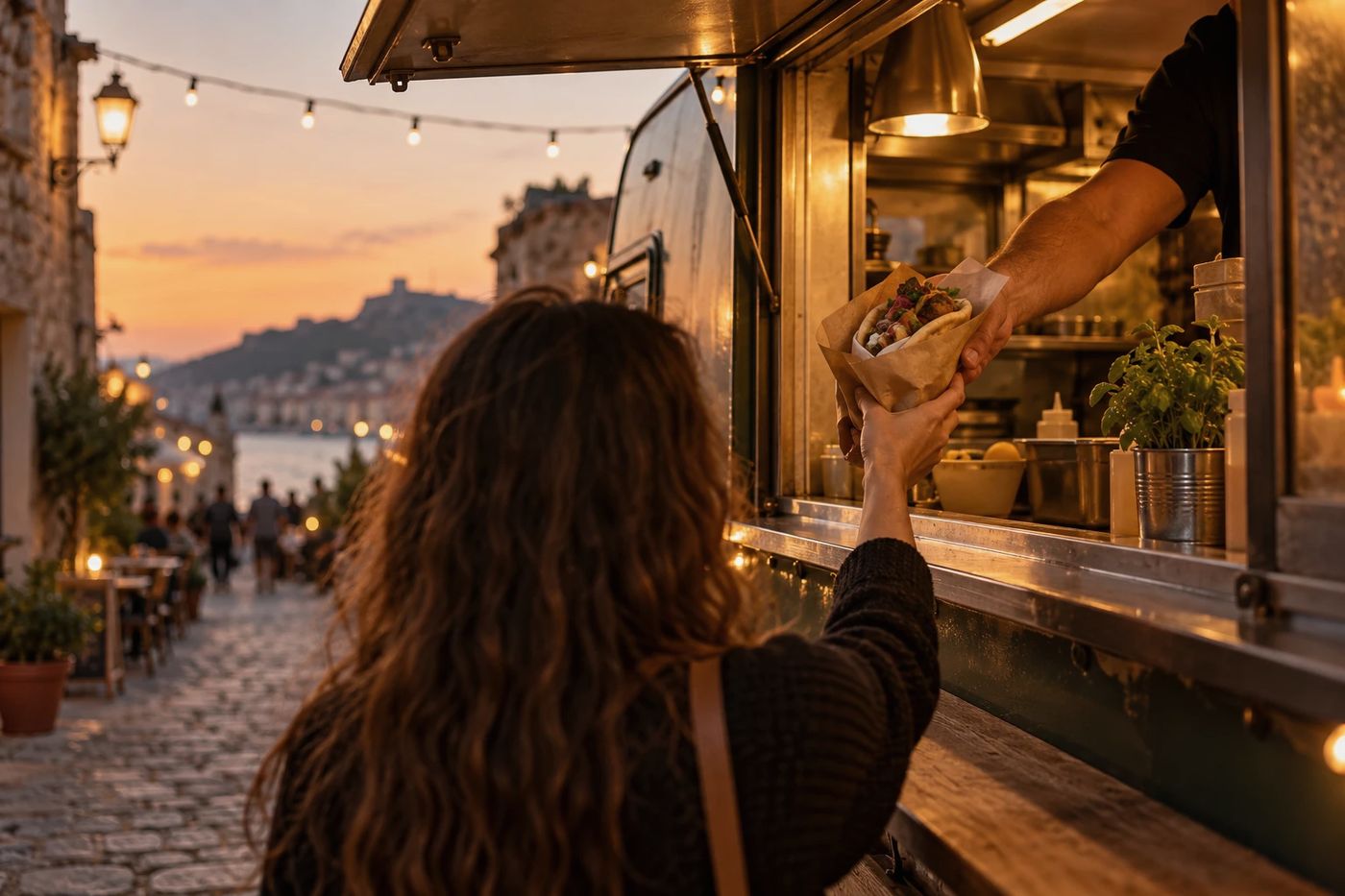
Sold out mid-service? Stop it in one tap.

Tap Stop and the dish leaves the guest menu. No reprint.

How it helps your food truck

  • Guests scan your menu - no app to install, Free
  • Show allergens on every dish, Free
A meal handed through a food truck window at dusk

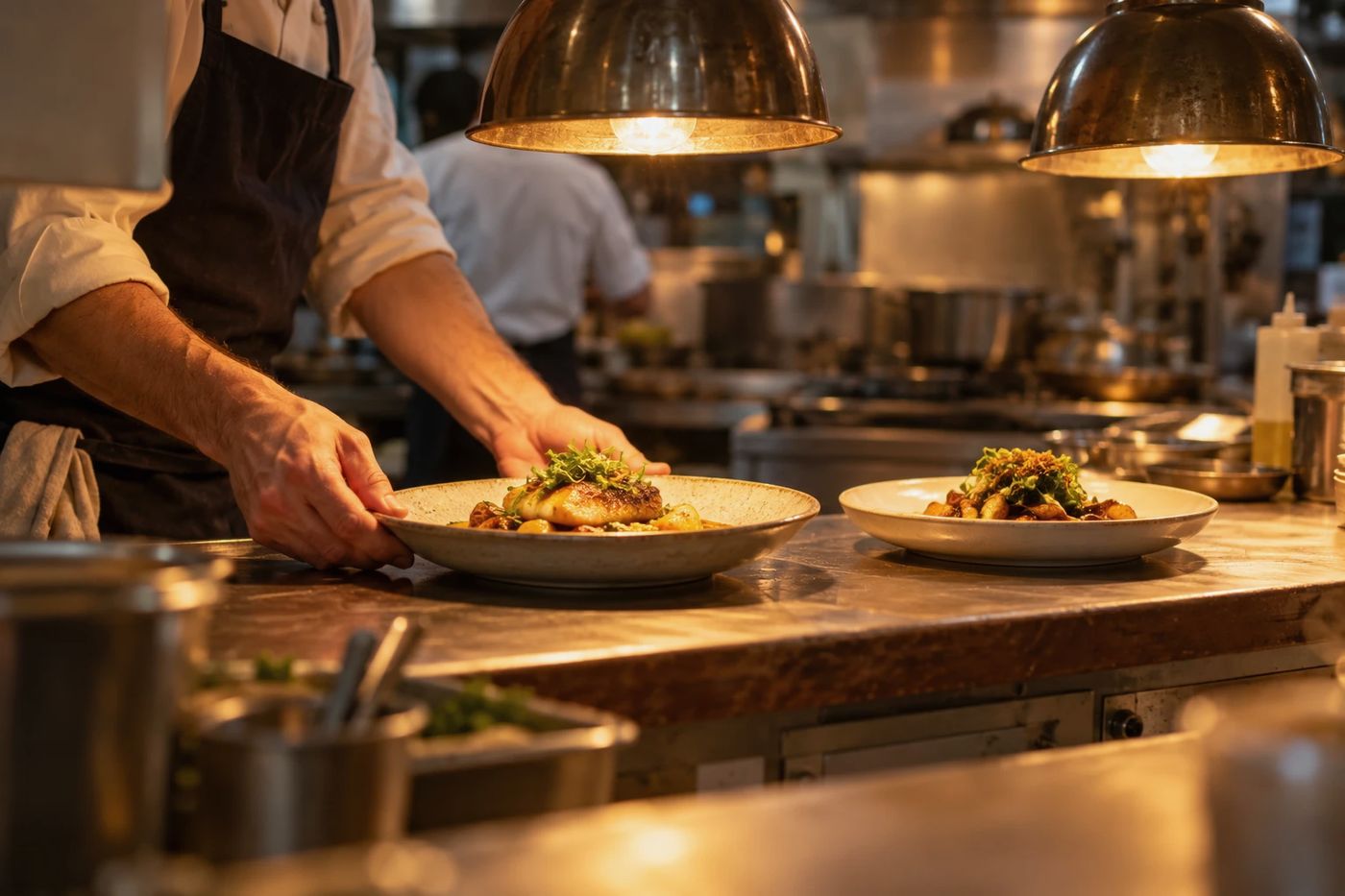
Which dishes earn, and which just sell?

Pastel de Nata sells most - but earns €1.88 a piece.

How it helps your restaurant

  • Know the margin on every plate
  • See a daily P&L
Kalanteer for restaurants
A chef placing a plate on the pass of a restaurant kitchen

Your venue isn't listed? Kalanteer works for any venue - Sign Up Free

Revenue check

What does one dish bring in? Move the numbers, see what it earns.

Start from a dish
€
8%
%
What if…

With Chef, Kalanteer shows this for every dish, from your POS sales. See Kalanteer Cloud

Burger · 40 a week
what guests pay, and what you keep of it
NOWIF €10.50

Burger × 40€400.00€420.00
Discounts & comps 8%−€32.00−€33.60

Guests paid€368.00€386.40
VAT 13%−€42.34−€44.45

Net a week€325.66€341.95

Net per month€1,411€1,482
Per year€16,934€17,781

Discounts and VAT take €74 of every €400 a week. A €0.50 rise adds +€71 a month net.

FAQ

Questions operators ask first

Straight answers on price, setup and your data. No small print.

Is the QR menu really free?

Yes. The QR menu and menu management are free forever - no credit card, no time limit. Guests see your dishes, photos, prices and allergen icons in one language. Kalanteer Cloud is the paid, optional part.

What happens after the 3 free months?

We'll remind you before they end. Then pick Sous-Chef (€9.99/mo), Chef (€19.99/mo) or Executive Chef (€49.99/mo) to keep going. Or do nothing: your account goes back to the free QR menu and your data stays.

Is there a contract? Can I cancel any time?

No contract. Plans are monthly, you can cancel any time, and there are no setup fees.

Do I need a POS?

No. The QR menu and Sous-Chef work on their own. On Chef, sales come in from a connected POS every few minutes - ask us if yours is supported.

Do I have to type everything in?

No. Import your menu from a photo, PDF or link, or build it from the dish library. In Kalanteer Cloud you add each recipe once - after that, deliveries and invoice photos keep the prices up to date.

What do I need to run it?

A phone, tablet or computer with a browser. No new hardware, nothing to install.

What happens to my data if I leave?

It stays yours. Cancel Kalanteer Cloud and your data is kept - your free QR menu keeps working. Leaving for good? Ask us and we'll delete it all.

See all questions
Still not sure?Write to us - a person answers.contact@kalanteer.comBook a walkthrough

Two ways to start

Free forever

Put your menu online today

Build it from the dish library and print your QR code. No credit card.

Sign Up Free
Kalanteer Cloud · 3 months free

Start Kalanteer Cloud

Costing, stock, ordering and waste on top of your menu. We set up your account, and the first 3 months are free.